Editing SVG Maps in Inkscape (Free Guide)

Inkscape is the leading free, open-source vector editor — and it's perfect for customizing SVG maps when you don't want to pay for Illustrator or Affinity. If you've generated a dotted map with World in Dots, Inkscape lets you refine it down to the last dot, completely free.
This guide walks through editing SVG maps in Inkscape, from import to export.
Why Use Inkscape for Maps
- Completely free and open-source
- Full SVG editing — every dot and path is editable
- Cross-platform — Windows, macOS, and Linux
- Native SVG — no conversion or quality loss
How to Edit Your SVG Map
Step 1: Export an SVG
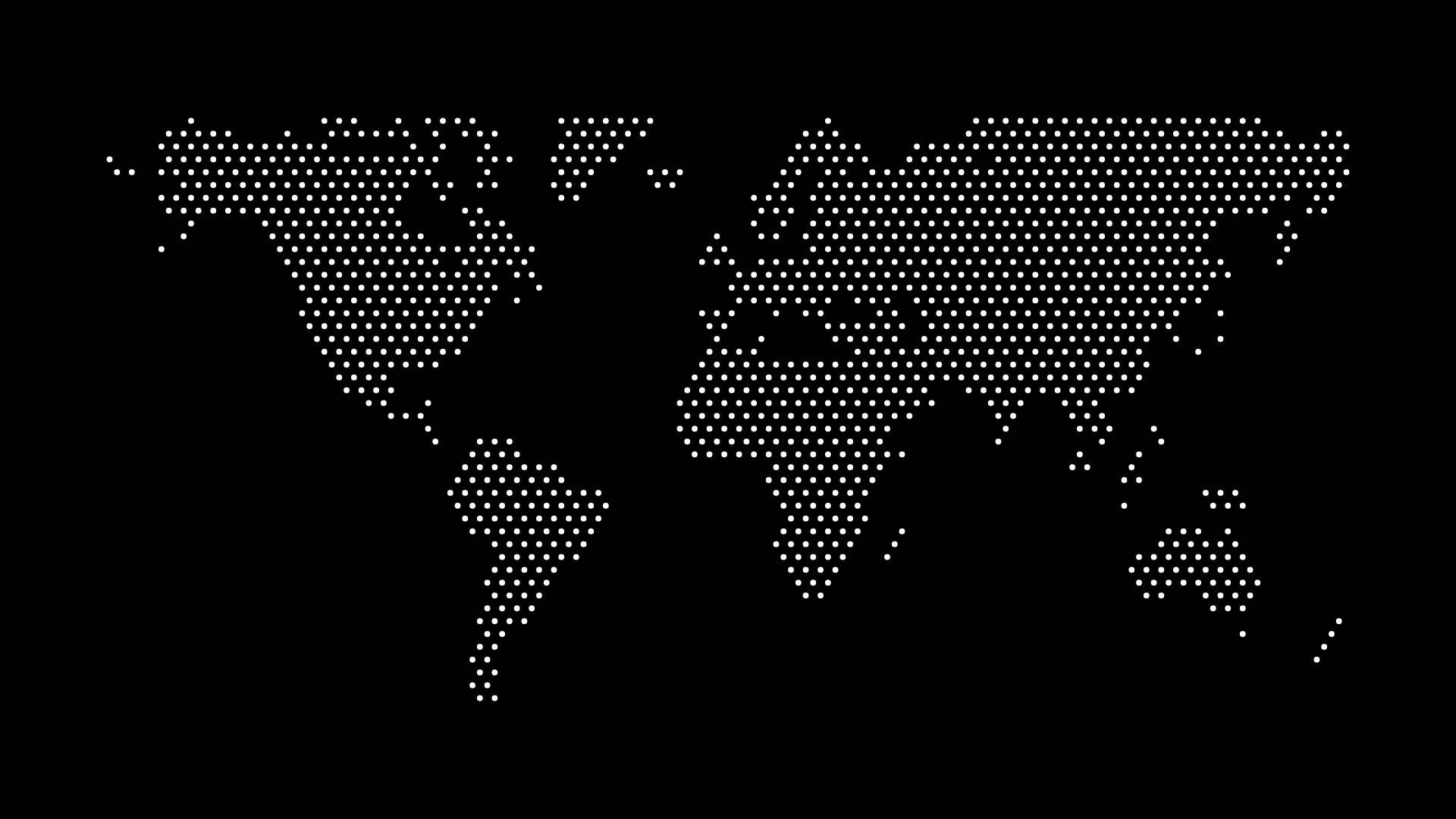
In World in Dots, choose your region, set the dot style and colors, and export as an SVG.
Step 2: Open in Inkscape
Use File → Open and select the SVG. Inkscape loads it as fully editable vector objects.
Step 3: Customize
- Recolor dots by selecting them and changing the fill
- Edit by region using Edit → Find or the XML editor
- Add elements — markers, labels, and connector lines with Inkscape's tools
- Use Select Same → Fill Color to recolor all matching dots at once
Exporting Your Finished Map
- Save as SVG to keep it vector
- Use File → Export for high-resolution PNG
- Export to PDF for print-ready output
Tips
- Work in layers to keep the base map separate from your additions
- Group the map before resizing so dots scale together
- Keep a copy of the original SVG before heavy edits
Final Thoughts
With Inkscape and World in Dots, you can create and fully customize a dotted SVG map without spending a cent on software. Generate the map, open it in Inkscape, and make it yours.
Create your SVG map today and edit it for free in Inkscape.