How to Create an Election Results Map

An election results map turns raw vote counts into a story everyone can read at a glance. Color-coded regions show who won where, and clean styling keeps the focus on the result rather than the cartography.
This guide walks through how to create an election results map for articles, reports, or presentations — without needing specialist GIS tools — using World in Dots.
What Makes a Good Election Map
The best election maps are clear and honest:
- Distinct colors — each party or outcome is instantly recognizable
- Clean regions — borders that match the units being reported (countries, states, districts)
- No clutter — the result should be obvious without a dense legend
- Scalable — sharp on a phone screen and on a printed page
A dotted or minimalist style helps avoid the "big empty area looks like a landslide" problem that plagues many maps.
Choropleth vs Dot Style for Elections
- Choropleth (shaded regions) — classic for "who won this state," but large rural areas can visually overpower dense urban ones
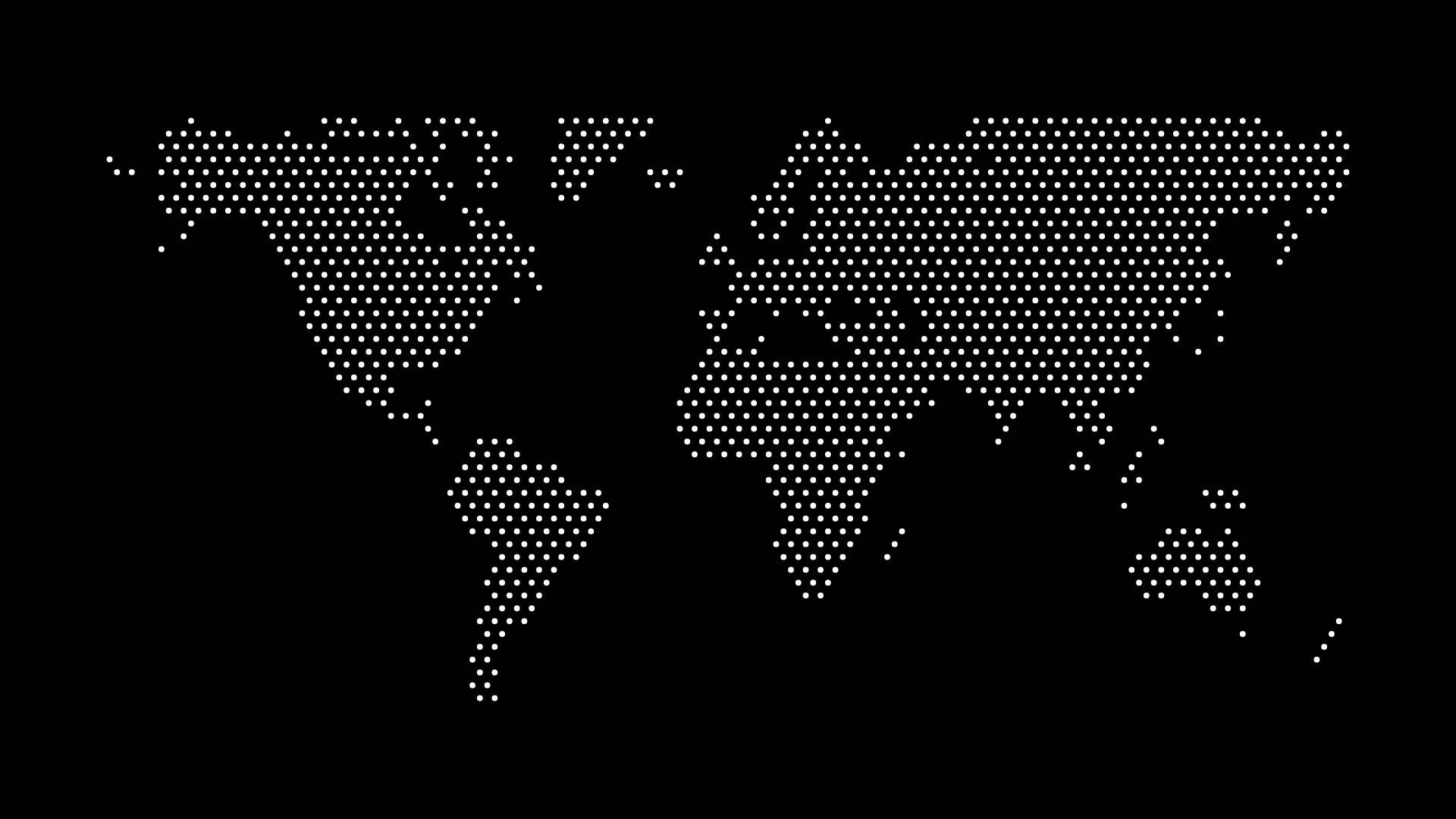
- Dot style — each dot can represent a block of votes, giving a fairer sense of how many people voted each way
Choose based on your message: outcome by region, or weight of votes.
How to Build an Election Results Map
Step 1: Pick Your Geography
Select a country and the level you're reporting — national, state, or regional.
Step 2: Color-Code the Results
- Assign a clear color to each party or outcome
- Use consistent shades so readers can compare regions
- Keep neutral/no-data areas visually distinct
Step 3: Export for Publishing
Download as an SVG for crisp web embedding or a high-resolution image for print and slides.
Where Election Maps Are Used
- Journalism — explaining results to readers
- Reports & analysis — summarizing outcomes for stakeholders
- Education — teaching civics and electoral systems
- Presentations — a clear visual for any audience
Final Thoughts
A well-made election results map communicates an outcome faster than any table of numbers. With World in Dots, you can build a clean, color-coded map in minutes and export it for any format.
Try World in Dots today and turn your election data into a map people understand instantly.