Norway SVG Map: Scandinavian Coastline Design

A Norway SVG map is a rewarding design challenge thanks to one of the most distinctive coastlines in the world. The long, narrow shape and intricate fjords make Norway instantly recognizable — and a great fit for clean, vector styling.
This guide covers design ideas for a Norway SVG map, and you can generate your own with World in Dots.
Why Norway Is Distinctive to Map
Norway's geography stands out because of:
- A very long coastline — fjords create an intricate, recognizable edge
- An elongated shape — narrow and stretched north to south
- High latitude — northern regions reach into the Arctic
A dotted SVG style captures the shape cleanly without getting lost in coastal detail.
Design Ideas for a Norway Map
- Highlight cities — Oslo, Bergen, Trondheim, Tromsø
- Coastal and fjord themes with accent dots along the shoreline
- Scandinavian minimalism — restrained palette, generous whitespace
- Nordic country sets pairing Norway with Sweden, Denmark, and Finland
How to Create Your Norway Map
Step 1: Select Norway
Generate the outline and frame it for the tall, narrow shape.
Step 2: Tune the Dots
- Use spacing that keeps the slim landmass readable
- Highlight cities or regions with color
Step 3: Export
Download as an SVG for editing in Illustrator or Figma, or a high-resolution image for print.
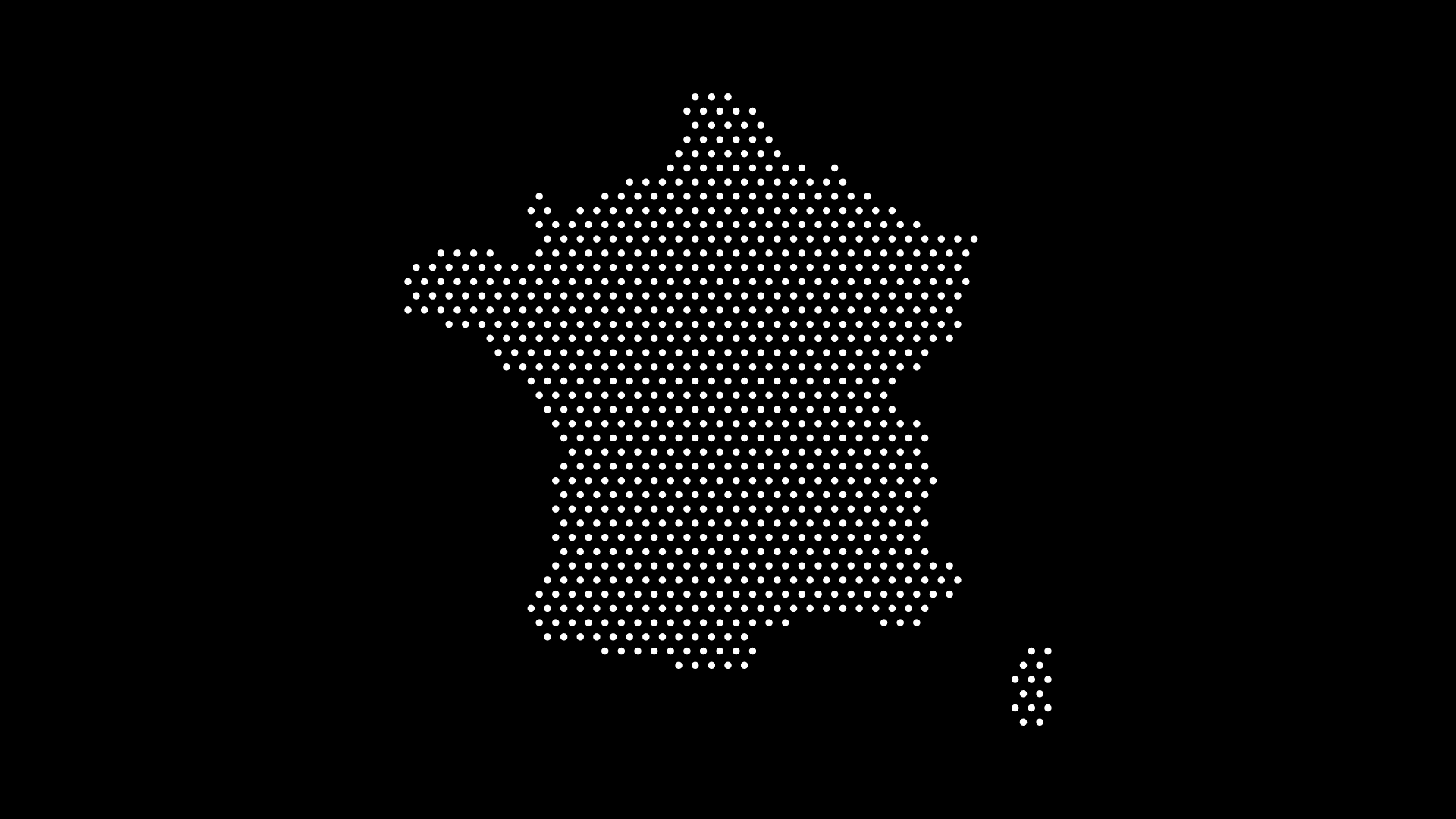
Where to Use It
- Travel and tourism graphics
- Business maps for Scandinavian operations
- Education teaching Nordic geography
- Presentations with a clean, minimalist style
Final Thoughts
A Norway SVG map brings Scandinavian elegance and a striking coastline to your designs. With World in Dots, you can generate a clean, scalable version in seconds.
Create your Norway SVG map today at worldindots.com.