Russia Dotted Map: Visualizing the World's Largest Country

A dotted map of Russia presents a unique design challenge: it's the largest country on Earth by area, spanning 11 time zones and stretching from Europe deep into Asia. Done well, a dot map captures that scale while staying clean and minimal.
This guide covers design ideas for a Russia dotted map, and you can generate your own instantly with World in Dots.
Why Russia Is Tricky to Map
Russia's geography creates specific issues:
- Sheer size — it can dominate any world map and dwarf neighbors
- Extreme latitude — northern regions stretch toward the Arctic, where map projections distort area heavily
- East-west span — a very wide aspect ratio that's awkward in square layouts
A dotted style helps because even distribution of dots keeps the shape readable without heavy fills.
Design Ideas for a Russia Dot Map
- Even dot density to communicate the vast, open landmass
- Highlight key cities (Moscow, St. Petersburg, Vladivostok) with accent dots
- Trans-Siberian themes — connect western and eastern hubs with a line
- Monochrome styling for a clean editorial or report look
How to Create Your Russia Map
Step 1: Select Russia
Generate the country outline and adjust the framing for its wide shape.
Step 2: Tune the Dots
- Set dot size and spacing so the eastern regions don't feel empty
- Use color to highlight specific cities or federal districts
Step 3: Export
Download as an SVG for editing in Illustrator or Figma, or a high-resolution image for print and slides.
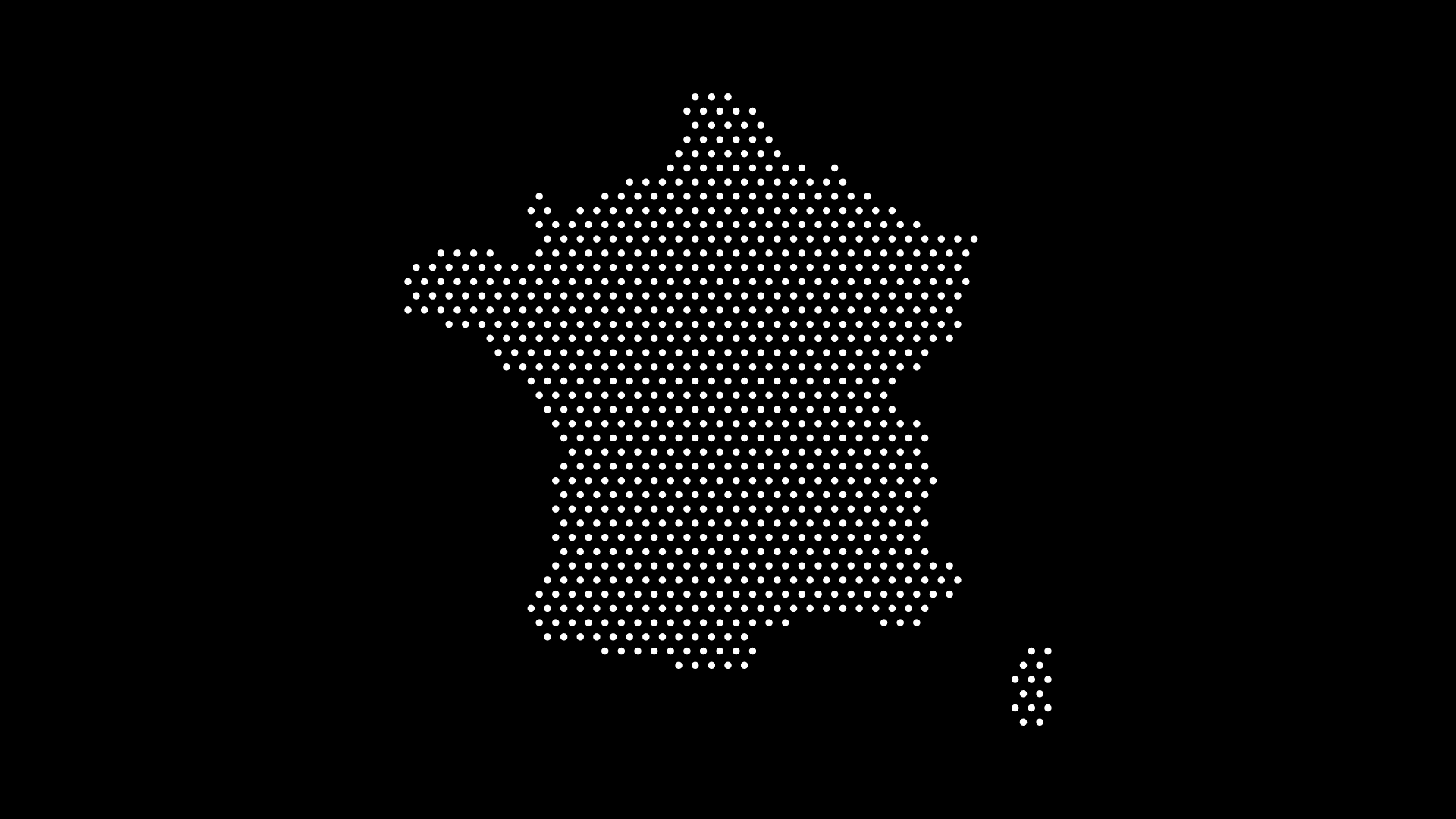
Where to Use It
- Business graphics showing operations across Eurasia
- Editorial and journalism illustrating stories about Russia
- Education teaching world geography and scale
- Presentations with a clean, minimalist look
Final Thoughts
Mapping the world's largest country doesn't have to be complicated. With World in Dots, you can generate a clean, customizable Russia dotted map in seconds and tailor it to any project.
Create your Russia dotted map today at worldindots.com.